

What Is the Process for Registering for MyEmbrace?
How to register for your MyEmbrace customer account.
MyEmbrace gives you access to your policy details anytime, anywhere. Having trouble logging in? You may not be registered – follow these simple steps.
How to Register
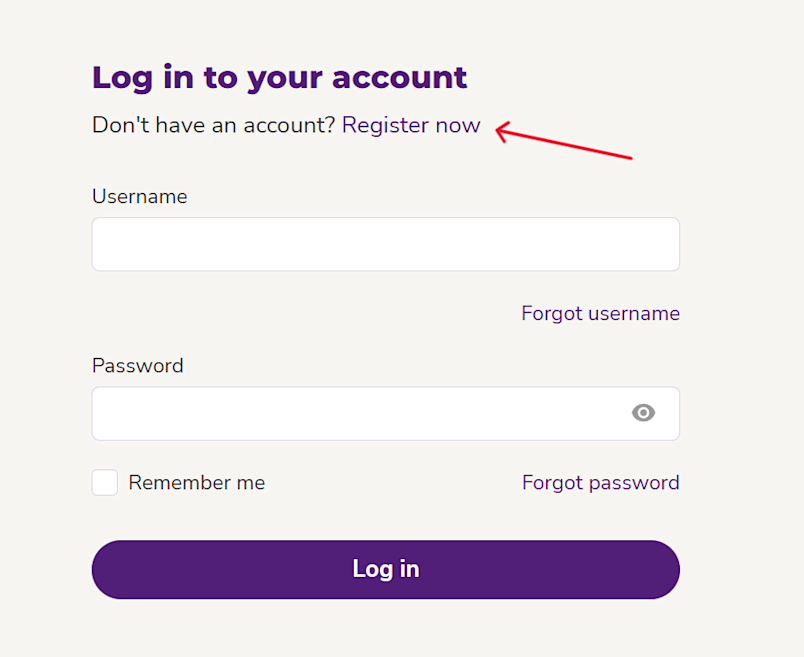
1. Visit the MyEmbrace homepage and select Register
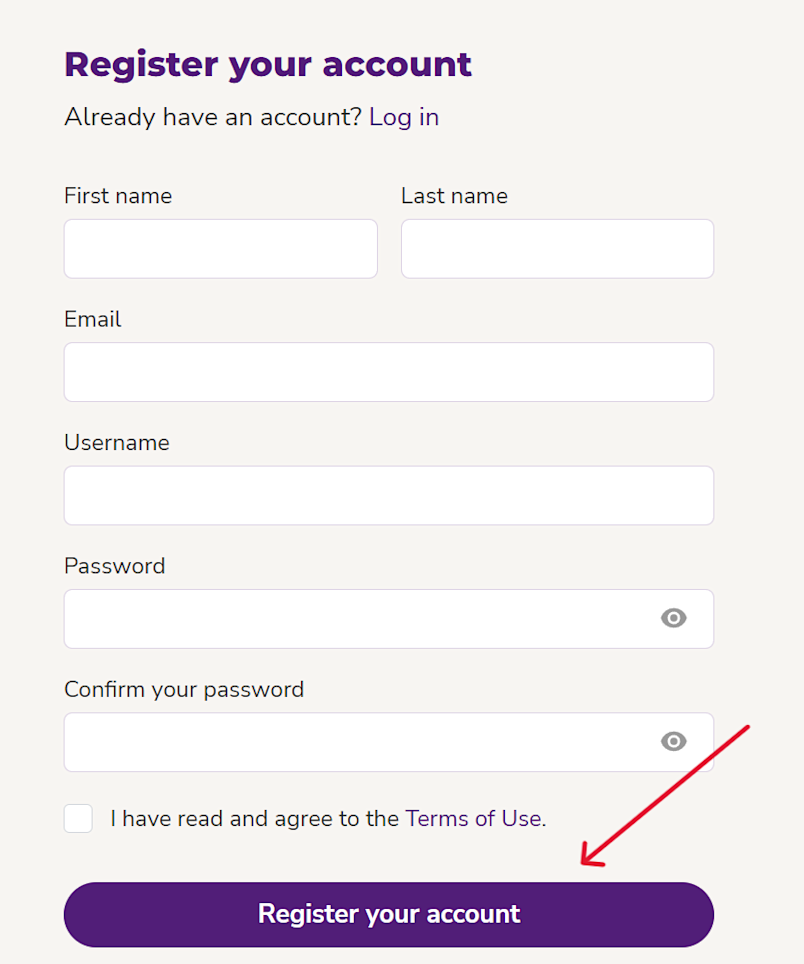
2. Complete the information requested
Create a Username (this can be your email address if you prefer) Usernames must be between 3 & 128 characters & contain at least 3 of the following:
Lowercase Letter
Uppercase Letter
Number
Any of These Special Characters: @_ . , ! : -
Create a Password Passwords must be between 8 & 32 characters & contain at least 3 of the following:
Lowercase Letter
Uppercase Letter
Number
Any of These Special Characters: @ _ . , ! : -
Select Register your account
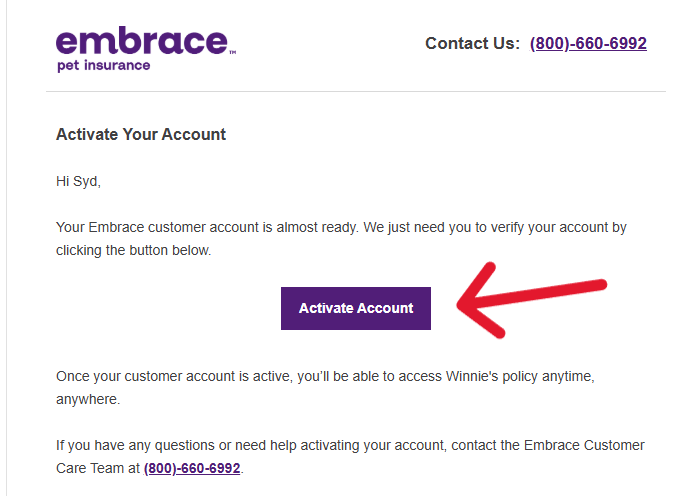
3. You will receive an account activation email to the email address on file. Once you select Activate Account in the email, you may log in to MyEmbrace using the email and password you created
Through MyEmbrace, you can download policy documents, update billing preferences and address, view and submit claims, and much more.